How to take a screenshot...
- Turn off the interface by hitting Alt+Z (this will hide chat boxes and action bars)
- Position your character and find a good camera angle.
- Press the "Printscreen" key on your keyboard.
- The screenshot is saved in C:\Program Files\World of Warcraft\Screenshots
- Email a screenshot of your character to darklordsofsargeras@yahoo.com to get it added to the site!


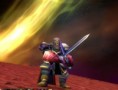
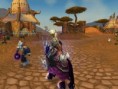

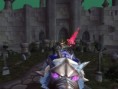
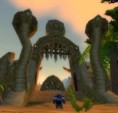
Photo Gallery: Wow Places to visit